Open BIM is a collaborative approach to building design and construction that relies on open standards like Industry Foundation Classes (IFC) to enable seamless data exchange between different software platforms. It promotes interoperability, allowing architects, engineers, and contractors to work together efficiently without being locked into a single vendor’s tools. Open BIM enhances transparency, improves coordination, and reduces errors across project stages. By ensuring long-term accessibility of project data, it supports better lifecycle management of buildings. Ultimately, Open BIM empowers stakeholders to make informed decisions, streamline workflows, and deliver more sustainable and cost-effective construction projects.
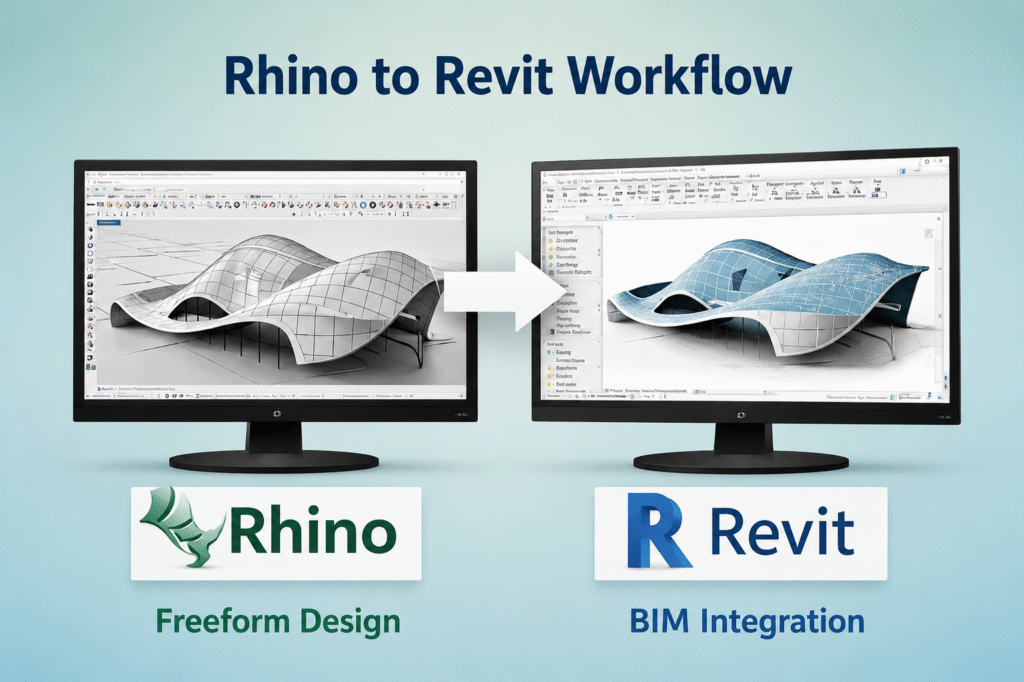
In this Article, let us understand working with Rhino and Revit. When you start in Rhino with that stunning organic form, curves flowing like they came from nature itself. Weeks later, your Revit model feels clunky, geometry fights every constraint, and data somehow vanished along the way. You know this pain from those high-profile projects where conceptual beauty meets construction reality.
Geometry Challenges in the Rhino-to-Revit Handover
Rhino gives you freeform modelling power unmatched in most BIM tools. You sculpt complex surfaces, panels, and shells with precision that feels effortless. The process is very smooth and output results are crisp.
Next, when you transfer to Revit. This is when geometry distorts, edges don’t align and NURBS surfaces turn into meshes that Revit chokes on.

You face specific hurdles-
- Rhino’s mesh-based exports lose edge sharpness and topology needed for Revit families.
- Direct imports create DirectShapes that lack parametric and clash-detection smarts.
- Scale mismatches or unit errors sneak in, throwing off dimensions by millimeters that matter on site.
BIM teams handle this by baking geometry in Rhino first, using clean meshes, simplified curves, and layer organization. You export via SAT or Rhino.Inside.Revit to preserve topology. That step alone keeps your forms intact for Revit sweeps and adaptive components.
Establishing a Unified Data Schema
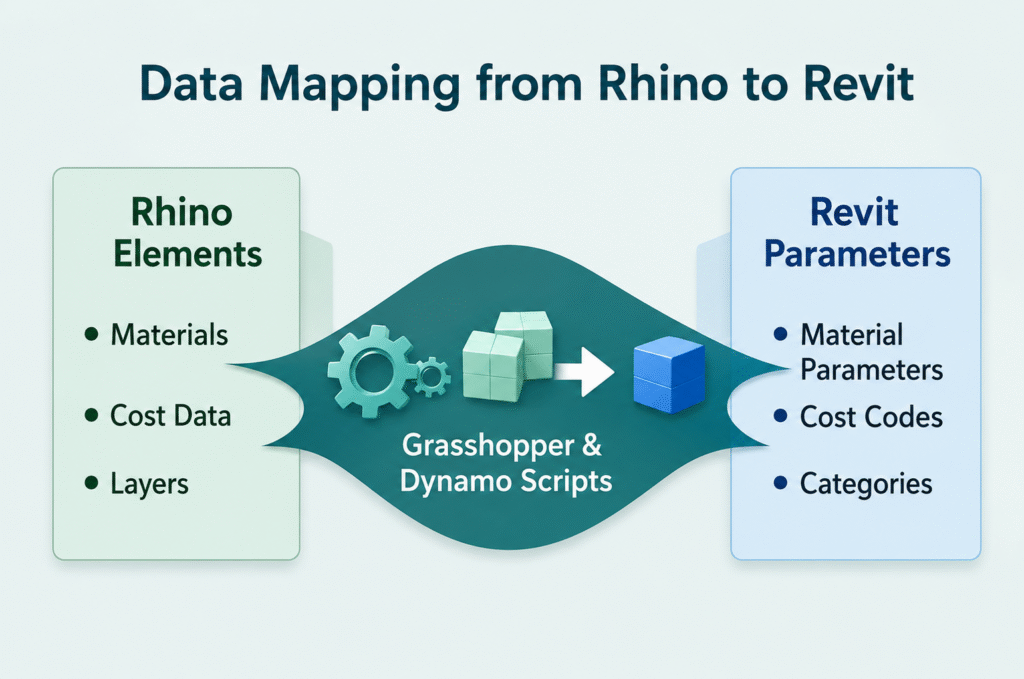
BIM integrity depends entirely on the data attached to the geometry. A beautiful mesh is practically useless if it does not carry parameters like material thickness, fire ratings, or cost codes. You need to decide on a schema-mapping strategy before the first script is written. This means aligning your Rhino layers or Grasshopper branches with Revit’s category system.
Consider these priorities for your workflow: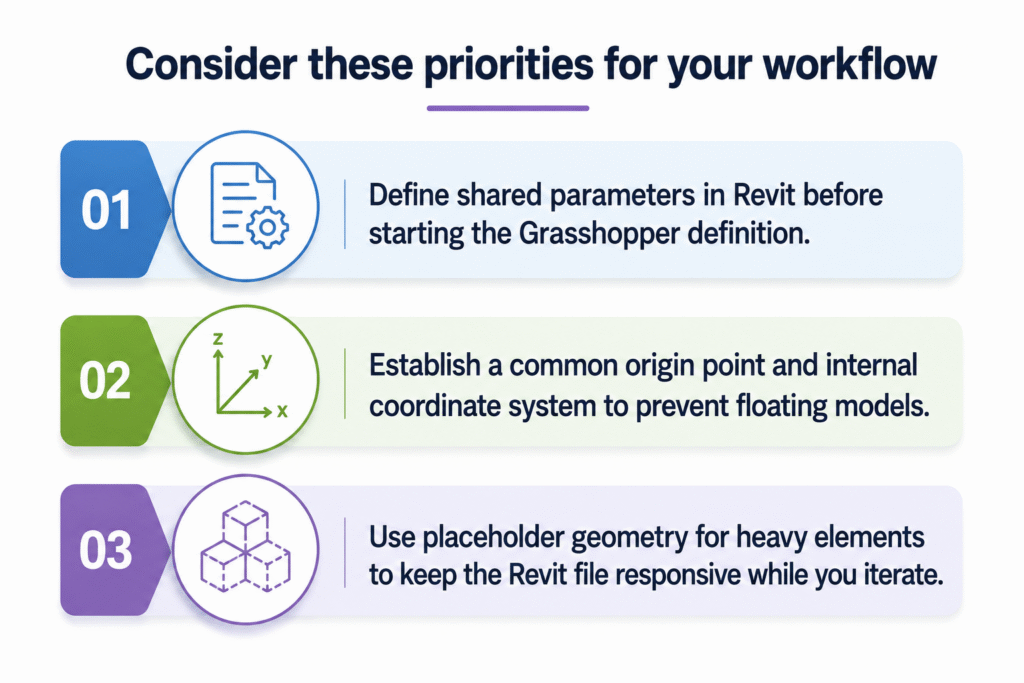
- Define shared parameters in Revit before starting the Grasshopper definition.
- Establish a common origin point and internal coordinate system to prevent “floating” models.
- Use placeholder geometry for heavy elements to keep the Revit file responsive while you iterate.
By ensuring that every point or curve in Rhino carries a specific identity, you turn a visual model into a functional database. This ensures that when the design changes and it always does, the data remains intact and the schedules update automatically.
Preserving Data Through the Workflow
Data loss hits harder than geometry glitches. You tag Rhino objects with attributes for materials, costs, and even fabrication notes. However, Revit ignores most of it unless you map deliberately.
You map user text, blocks, and metadata to Revit parameters using scripts or plugins. Grasshopper nodes in Rhino.Inside pull layers into categories, blocks into nested families. Dynamo on the Revit side cleans up orphaned and duplicate elements.
Keeping BIM Integrity Intact
BIM integrity means your model serves the full project lifecycle, not just visuals. You need geometry that hosts elements, data that schedules reliably, and links that update without breaking.
Workflows build this:
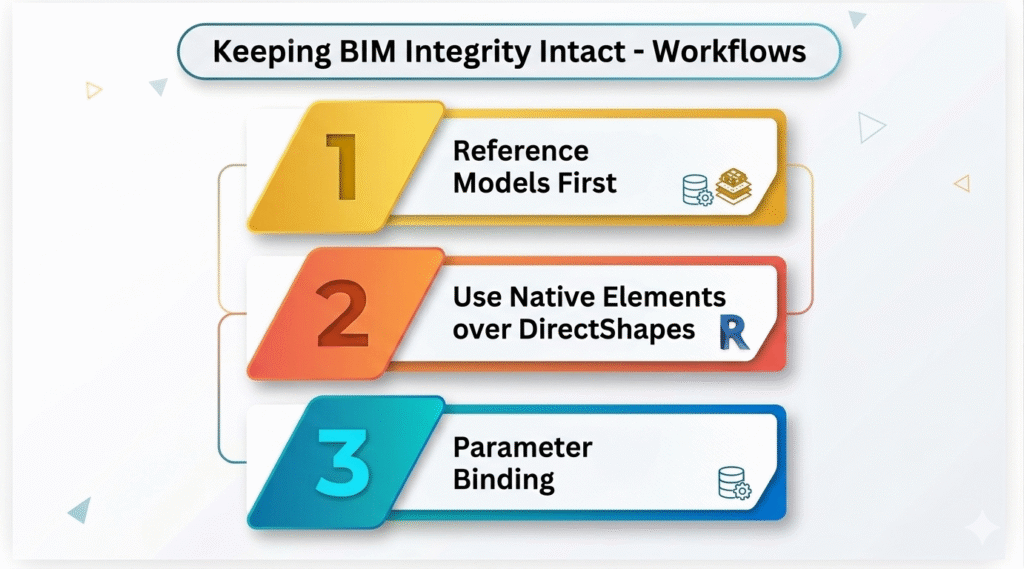
- Reference models first: Link Rhino SAT files into Revit as underlays. Trace with native tools.
- Native elements over DirectShapes: Convert curves to adaptive points, surfaces to divided forms. Roofs host walls. Floors cut openings.
- Parameter binding: Tie Revit instance parameters to Rhino metadata via Dynamo graphs. Changes propagate bidirectionally.
You test integrity early, run interference checks post-import and validate schedules against original takeoffs. On complex facades, this catches 80% of issues before coordination starts.
Tools and Automation for Smooth Transfers
Rhino.Inside.Revit runs Grasshopper live in Revit. You can query filters to select elements by layer and bake them as adaptive families or curtain walls.
Dynamo scripts handle batch conversions, exclude locked layers, and flatten hierarchies to create simpler models. VisualARQ adds BIM smarts directly in Rhino if you loop back.
Teams outsource this setup where specialists script your templates, train your modelers, deliver LOD 300+ models ready for fabrication drawings and clash-free coordination.
Handling Complex Projects End-to-End
Picture a stadium roof- Rhino for the tensile form, Revit for MEP integration and steel detailing. You federate via Speckle or IFC for interim checks, but native exchange rules.
You iterate with live links. Update Rhino curves, refresh Revit roofs. Data stays live through parameters. Integrity holds because you structured from day one as categories match, parameters bind, geometry parametrizes.

Your Next Project Workflow
Choose Rhino for concept and Revit for delivery. Script the geometry and data bridges with Rhino.Inside and Dynamo. Partner with BIM experts who handle scripting and validation so that you can focus on design. Test on a small scope first. Scale up. Your complex projects will deliver on time, with geometry true to vision and data driving every decision from tender to handover.
Conclusion
Bridging Rhino and Revit successfully does not only mean exporting geometry but also comes down to workflow in terms of preserving both form as well as data. By using geometric management, a single data schema and the right tools like Rhino Inside. By using Revit and Dynamo, design teams maintain the integrity of their BIM across complex projects.
Planning early, mapping parameters correctly and automating processes will avoid costly mistakes while ensuring that your ideas are translated into models ready for build with rich data at hand. In the hands of a trained process, Rhino’s freeform creativity and Revit’s robust BIM capabilities play off each other for high-quality clash-free models ready to be manufactured and coordinated.
Are you looking for BIM Solutions?
BIM ASSOCIATES is your one stop BIM Solution provider for the Architecture and Structure discipline. With 15+ years of work experience in BIM projects, their team helps clients with better decision making, cost saving, efficient construction planning and green earth initiatives.
You might also like: How Smart Tools like Pyrevit, Diroots, Plannerly add value to BIM Process and Workflow
Frequently Asked Questions
1. How can BIM ASSOCIATES ensure a smooth Rhino-to-Revit handover?
BIM Associates focus on establishing clean geometry and an appropriate data mapping before the Revit import. They prepare SAT files, maintain adaptive families and orchestrate layers to guarantee your conceptual forms are precision perfect with parametric functions in Revit.
2. Can BIM ASSOCIATES help preserve project data like materials, costs, and fabrication notes?
They write custom workflows in Grasshopper and Dynamo to map Rhino attributes directly to its Revit parameters. This preserves all the metadata, schedules and cost codes so that you have a usable BIM model rather than just visual geometry.
3. What support can BIM ASSOCIATES provide for large, complex projects?
BIM Associates coordinate end-to-end workflows on high-profile projects; these include model federation using either IFC or Speckle, live updates of objects between Rhino and Revit, interference detection, and clash avoidance during co-ordination. They further provide best practice training for your team as well as scripts/templates for scalable LOD 300+ BIM delivery.
Ready to Transform Your Next Project with Proven BIM Expertise?
Explore how BIM ASSOCIATES is reshaping skylines and infrastructure around the world with innovative, precision-driven design. Connect with us today to discover how we can bring your vision to life- backed by global case studies, smart technology, and a track record of excellence.