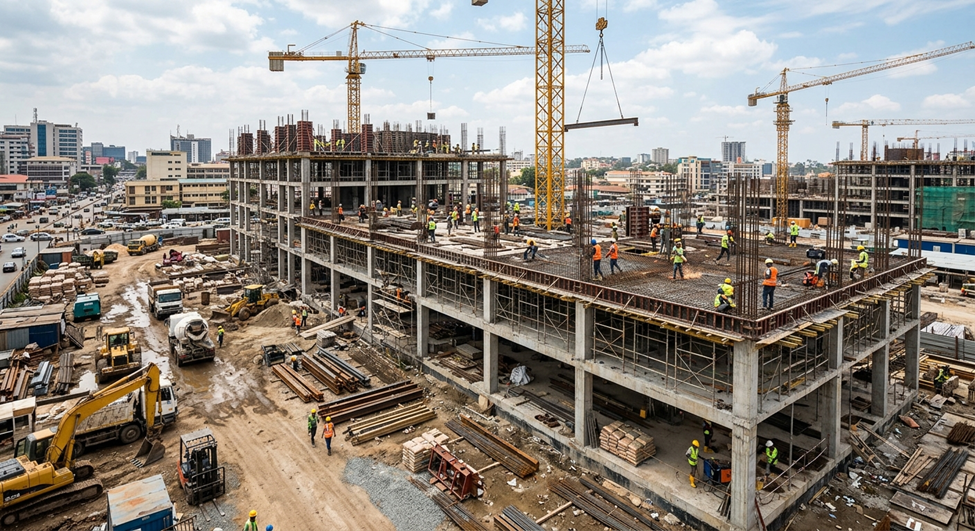
BIM in 2026 is already reshaping how AECO Project team plan, coordinate and deliver projects. Yet, BIM software alone rarely delivers the full benefit. You will notice the difference once specialized tools and automation layers enter the project workflow. Those additions reduce repetitive effort, tighten model quality and give teams clearer control over project data.
Organizations are focusing on combining BIM expertise with automation, structured workflows and advanced digital tools. This is how project teams can model faster, coordinate better and produce reliable documentation throughout the project lifecycle.
Tools like PyRevit, Diroots and Plannerly strengthen BIM workflows in practical ways. Each tool targets a different stage of project development. But together they simplify tasks that normally consume hours of manual work.
The Role of Smart Tools in Modern BIM Workflows
A BIM environment depends on accuracy, coordination and structured information. Large projects frequently involve multiple teams working within the same digital model, with different locations and time zones. With this, even minor inefficiencies can multiply quickly.
Smart plugins and automation tools help resolve these operational bottlenecks by supporting the following workflow improvements-
- Reduction of repetitive modelling, sheet tasks.
- Faster model documentation and sheet quality management.
- Improved information tracking across project stages.
- Structured project planning aligned with BIM Standards.
- Automated model validation and quality checks.
Within BIM service environments,
Automation tools within BIM service environments are likely to run alongside platforms such as –
- Revit
- AutoCAD
- Navisworks Manage
- Dynamo scripts
They support efficient modelling, quality control, automate repetitive processes and fast documentation production. These tools allow you to streamline operations across design, coordination and documentation stages.
PyRevit: Supporting Automation Inside Revit
PyRevit works as an extension within Revit. It introduces a scripting-based automation layer that simplifies everyday modelling tasks.

When your BIM workflow involves large project models, teams often spend time repeating actions such as view management, sheet setup, revision or parameter updates. PyRevit reduces that workload through customizable commands and scripts.
Key workflow improvements include: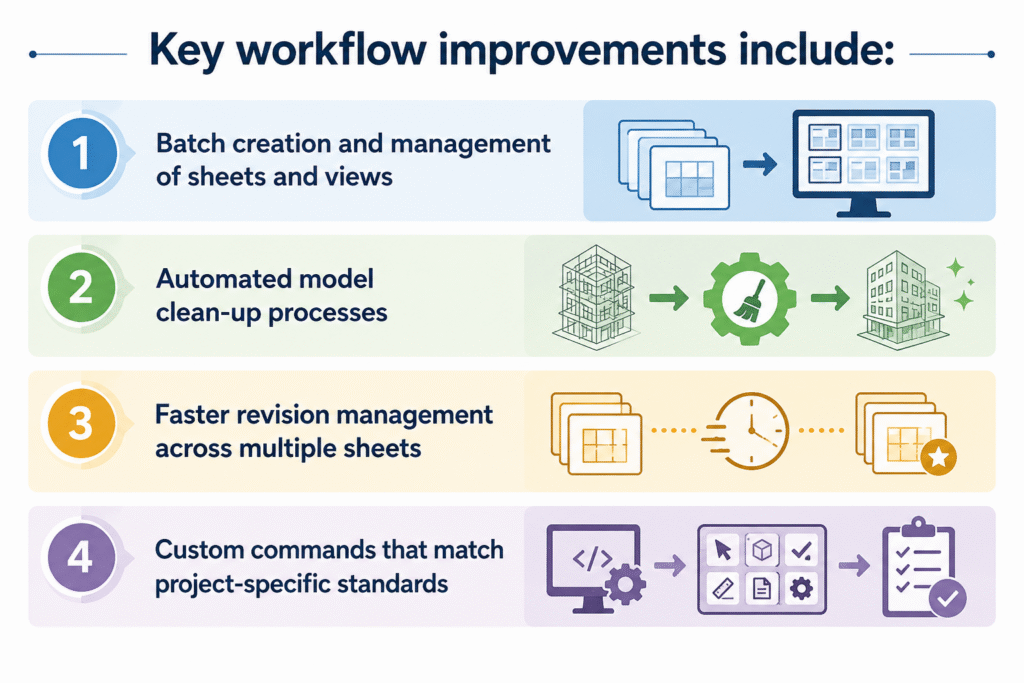
- Batch creation and management of sheets and views
- Automated model clean-up processes
- Faster revision management across multiple sheets
- Custom commands that match project-specific standards
These automation features improve efficiency without altering the core modelling environment. Your BIM team can continue working inside familiar tools, yet repetitive tasks run through automated scripts instead of manual input.
For BIM service providers handling multiple projects simultaneously, this approach keeps modelling output consistent and reduces time spent on routine coordination.
Diroots: Improving Documentation and Model Data Management
Documentation generation often becomes one of the most time-consuming phases in BIM production. Model data exists, yet exporting drawings, schedules, or reports still requires careful handling.

Diroots plugins simplify these tasks through automation and structured export processes. You gain better control over model data and documentation output.
Typical capabilities include:
- Automated export of sheets and drawings into different formats
- Batch processing of schedules and documentation files
- Simplified parameter and family management
- Faster preparation of deliverables for client submissions
Within complex projects, this automation removes many small but time-consuming actions that accumulate during documentation stages.
Teams benefit from faster delivery cycles and fewer chances of human error during export and file preparation.
Plannerly: Structuring BIM Management and Information Planning
Tools like PyRevit and Diroots focus on modelling efficiency. Plannerly addresses another challenge like information planning and project coordination.

BIM management requires clear documentation of responsibilities, deliverables, and information requirements. Plannerly provides a platform where teams organize project documentation, define information standards, and track BIM deliverables across the lifecycle.
Within BIM workflows, Plannerly assists with: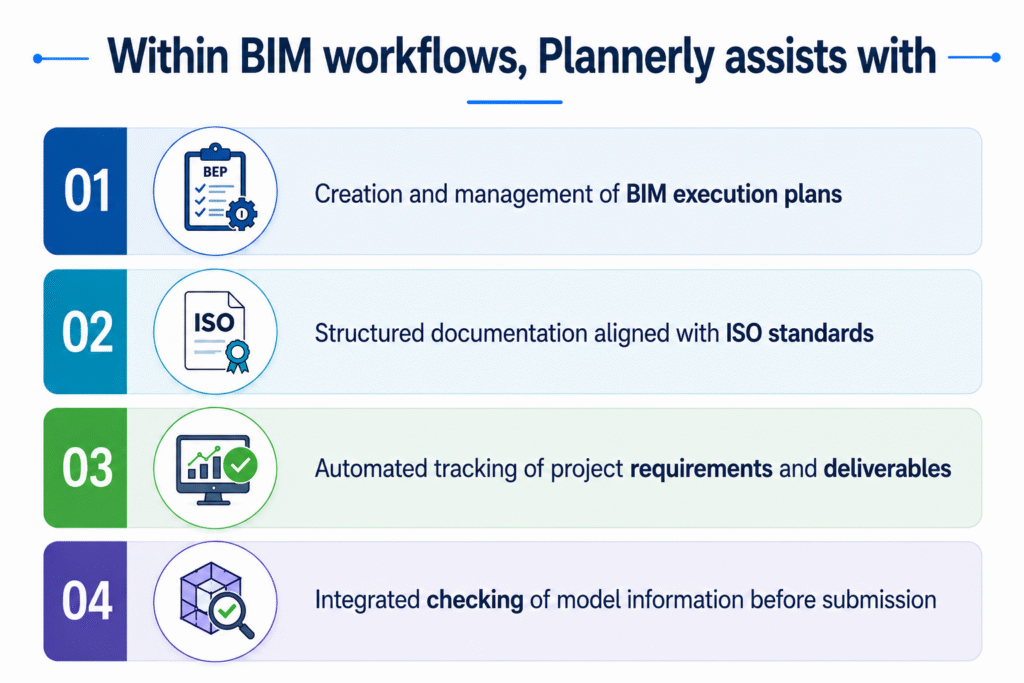
- Creation and management of BIM execution plans
- Structured documentation aligned with ISO standards
- Automated tracking of project requirements and deliverables
- Integrated checking of model information before submission
These features help project teams maintain clarity across stakeholders. It is especially effective on large multi-disciplinary projects. Model coordination and project delivery move forward with fewer delays when planning and documentation remain structured from the beginning.
Why Automation Tools Strengthen BIM Services
BIM workflows become stronger once automation integrates with modelling and project planning processes. Service providers that combine modelling expertise with smart tools often achieve more consistent project outcomes.

Scripting for Automation tools
BIM workflows combine advanced modelling tools with automation strategies, including Dynamo scripts and custom digital processes that remove repetitive steps from project delivery.
This integrated approach supports several improvements:
- Faster model development and documentation
- Reduced manual coordination work
- Higher model accuracy and quality control
- Better collaboration across project teams
When automation, modelling, and management tools operate together, BIM workflows remain structured from early design stages through construction documentation.
Conclusion
BIM workflows depend on far more than modelling software. Efficient delivery requires automation, organized information planning, and consistent documentation processes.
Tools like PyRevit, Diroots, and Plannerly contribute directly to these goals. They streamline modelling tasks, simplify documentation management and organize BIM project planning within structured digital environments.
Your team spends less time repeating tasks when these tools integrate into a professional BIM workflow. They spend more time focusing on design coordination, accuracy and project outcomes.
Are you looking for BIM Solutions?
BIM ASSOCIATES is your one stop BIM Solution provider for the Architecture and Structure discipline. With 15+ years of work experience in BIM projects, their team helps clients with better decision making, cost saving, efficient construction planning and green earth initiatives.
You might also like: What is the BIM Model: A Comprehensive Guide to Building Information Modelling
Frequently Asked Questions
1: Can BIM ASSOCIATES manage multi discipline project more effectively using these tools?
With over 15 years of experience in the domain industry, BIM Associates as a vast work experience with automation programs like PyRevit and Diroots, this allow BIM Associates to work on multiple project models, and documentation at the same time, reduce manual errors, and save hours of monotonous work.
On large, multi-disciplinary projects Plannerly also allows to apply information and deliverables in a streamlined manner across the Implementation process which greatly enhances project management.
2: How do BIM ASSOCIATES benefit from tools like PyRevit, Diroots, and Plannerly?
These tools allow BIM Associates to work quicker and more accurate. Examples of these are Diroots, which automates repetitive tasks and document export, Plannerly for BIM execution plan/information requirement management etc. This ensures that BIM Associates can focus on model coordination, quality control and project completion over being stuck in tedious, manual tasks.
3: What role do BIM ASSOCIATES play in implementing these smart tools into workflows?
Team at BIM Associates adjust and set up tools like PyRevit scripts, Diroots outputs, and Plannerly information tracking to project specs. With more than 15+ years into the domain, It serves to contextualize automation, data management and BIM planning to what is useful for the project, as well as what is required by company workflows.
Ready to Transform Your Next Project with Proven BIM Expertise?
Explore how BIM ASSOCIATES is reshaping skylines and infrastructure around the world with innovative, precision-driven design. Connect with us today to discover how we can bring your vision to life- backed by global case studies, smart technology, and a track record of excellence.